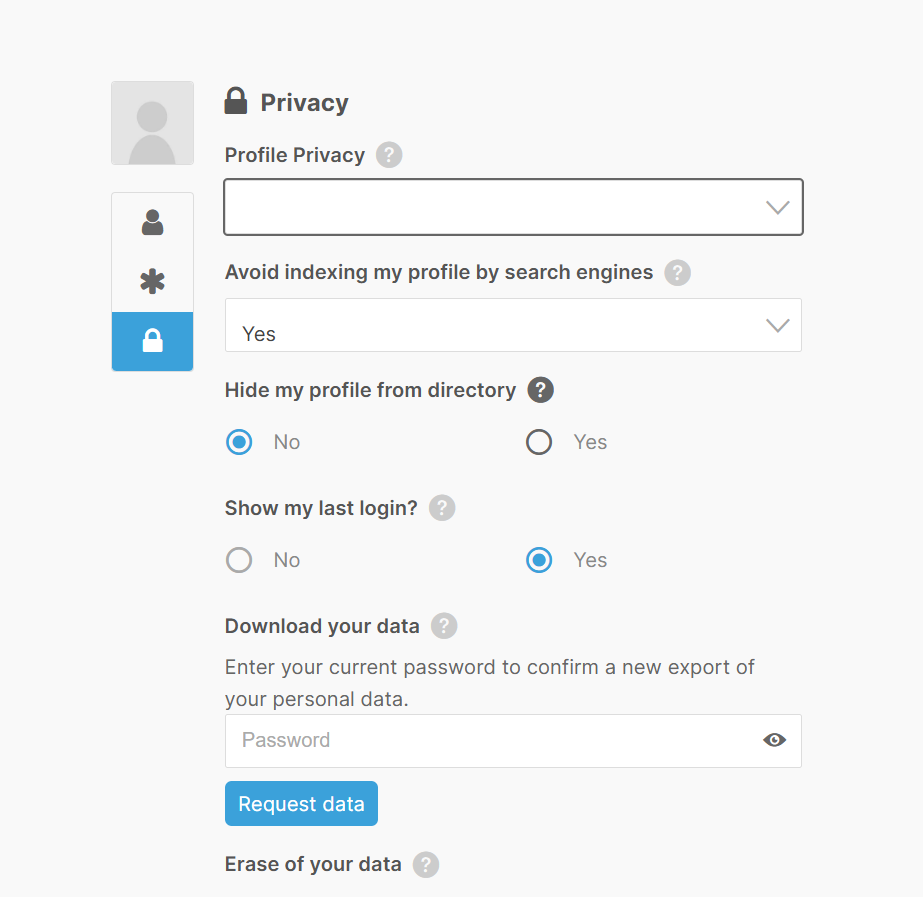
How do I make my information private on the members directory?
Method 1 (Preferred)
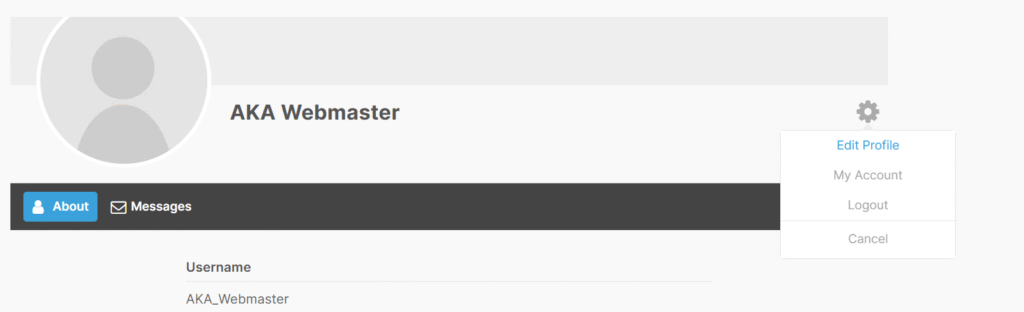
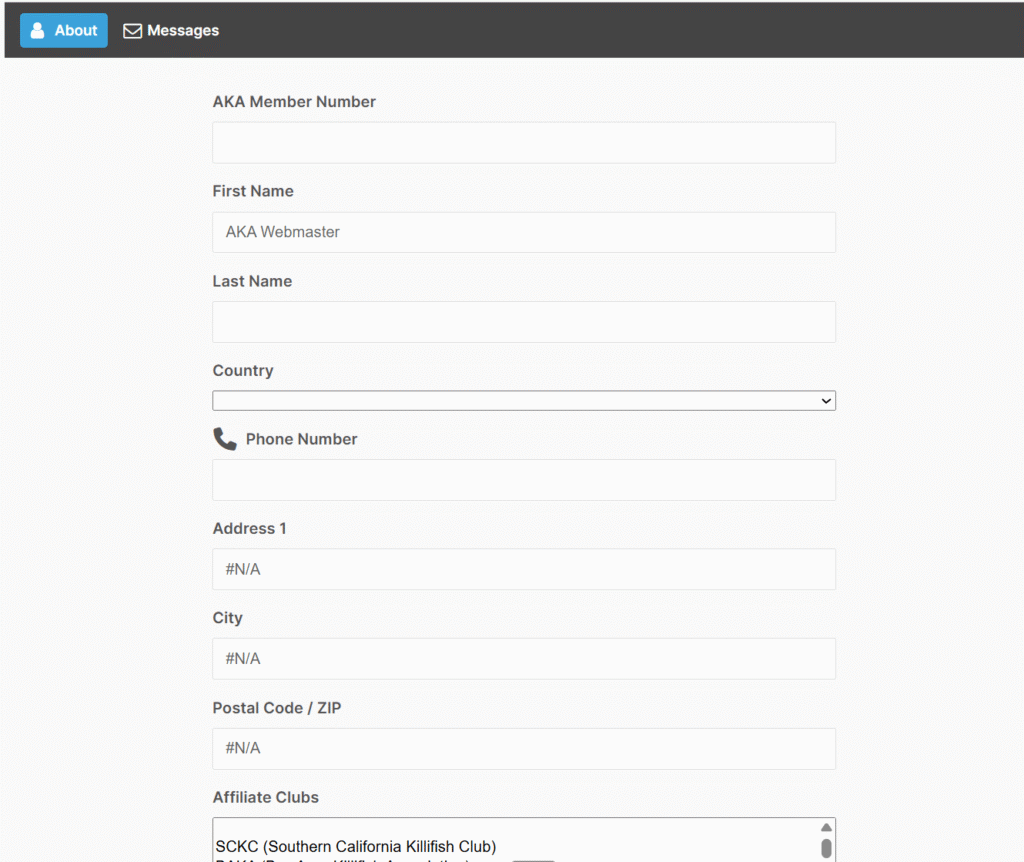
Click on the gear icon. Delete the value or put N/A for any value in any fields you do not wish to share. Note: Email address is hidden in the directory. If you message a user, the message does forward to their email address.
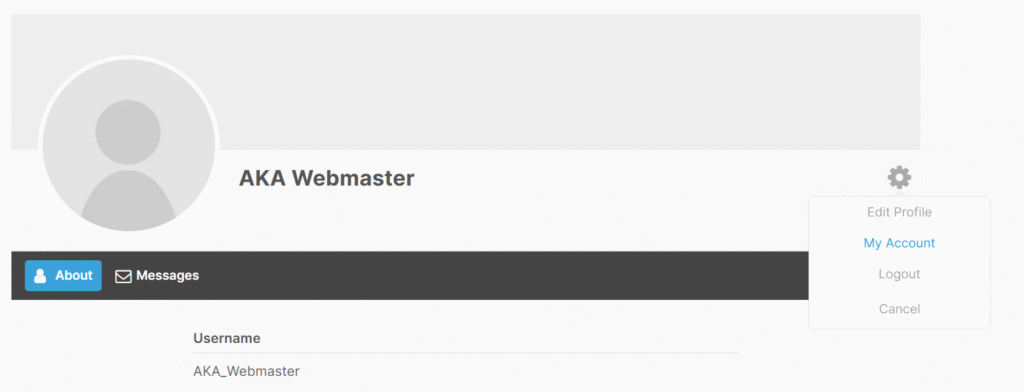
Method 2
Click on the Gear Icon and Select Account from the dropdown
Click on the Padlock icon and select the option to hide your profile from the members directory